Add a photo of you
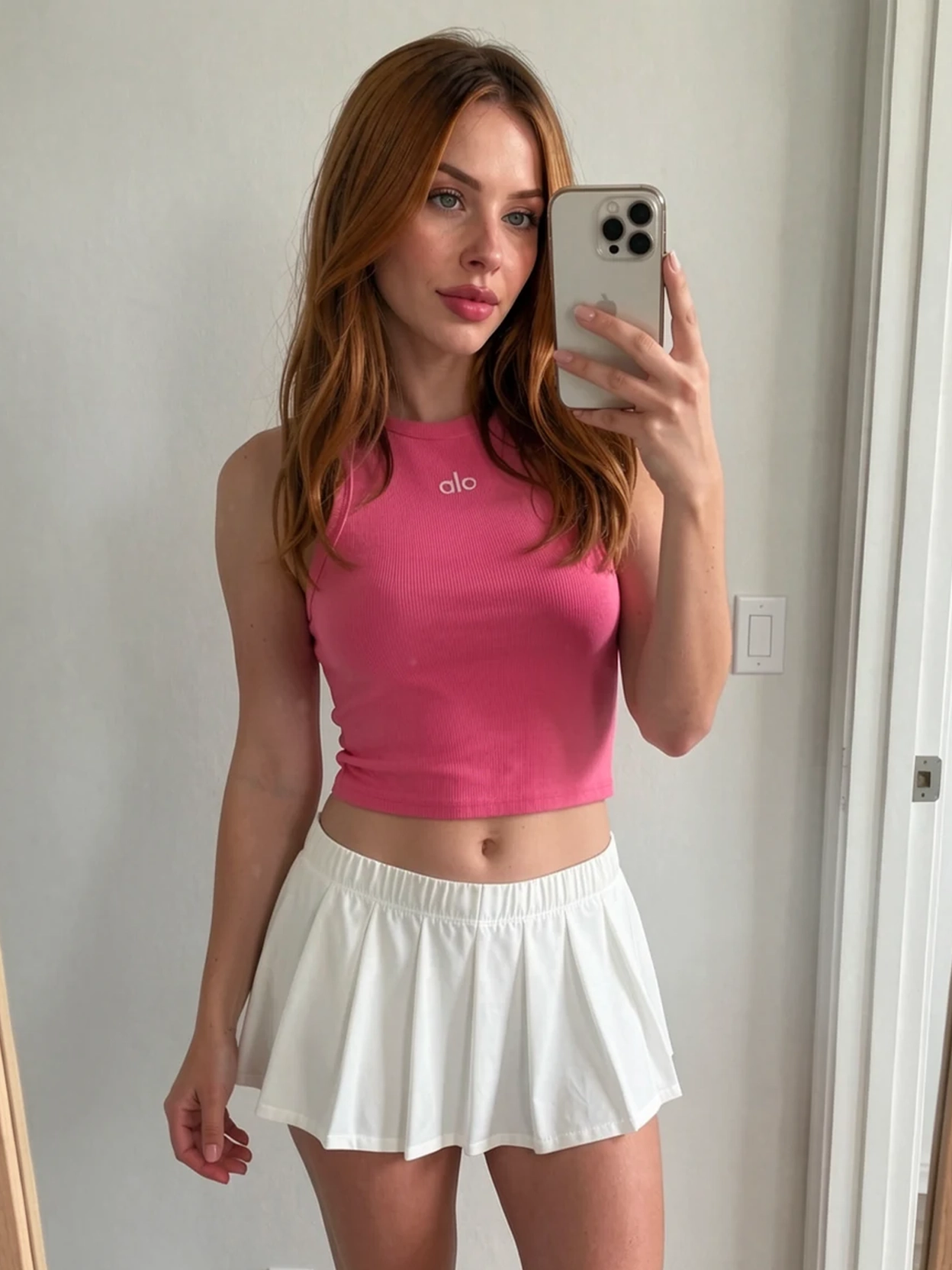
Choose a clear, full-body image with your shape and pose easy to see.
AI virtual fitting room
Upload your photo and any outfit. See the look on you before you decide to buy.
Try it with two photosPrivate inputs are automatically deleted after 24 hours.
Real GoodMirror results
Follow one shopper through five ways to try on clothes online. Select a mode to compare its inputs and result.
You
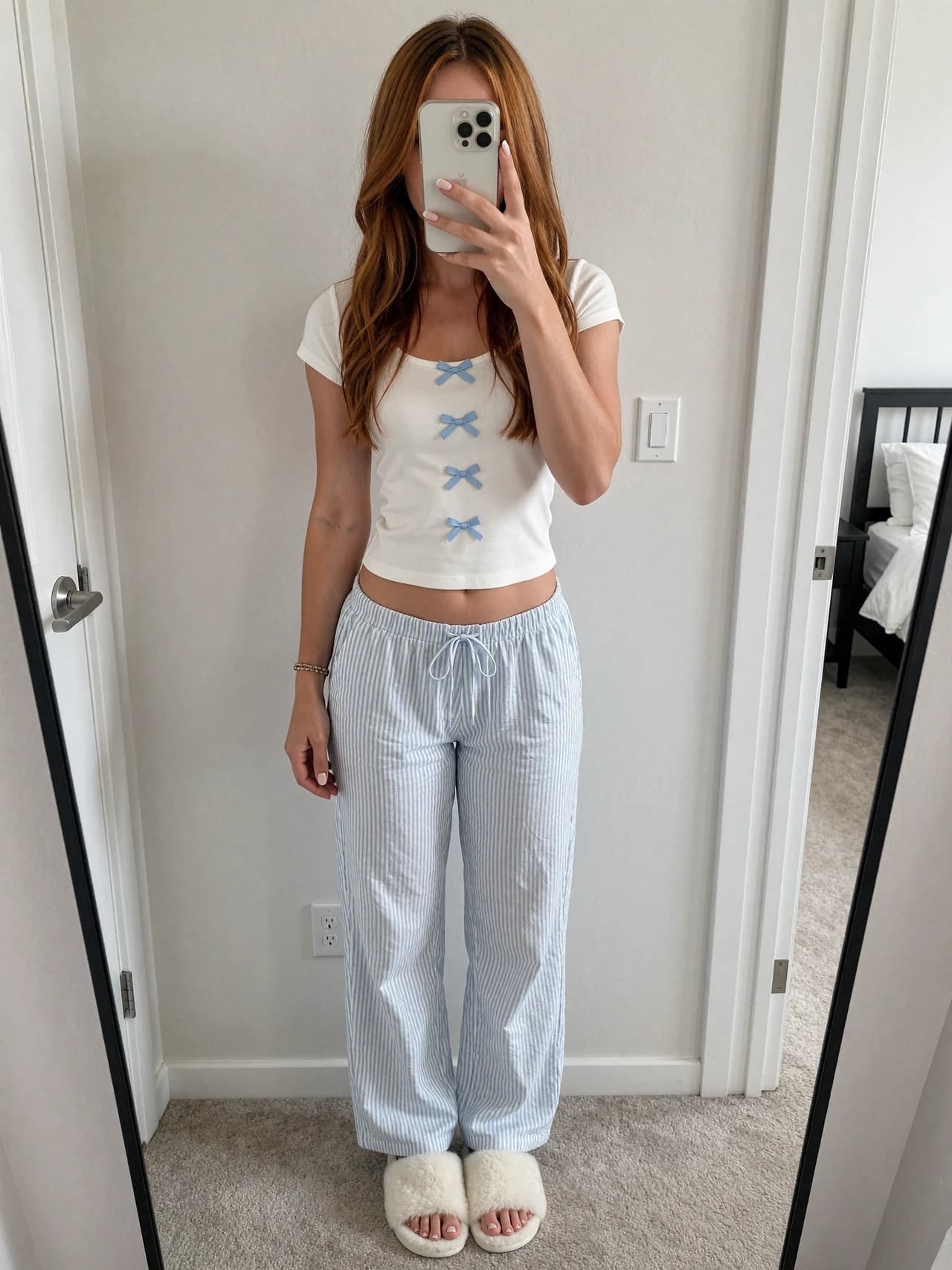
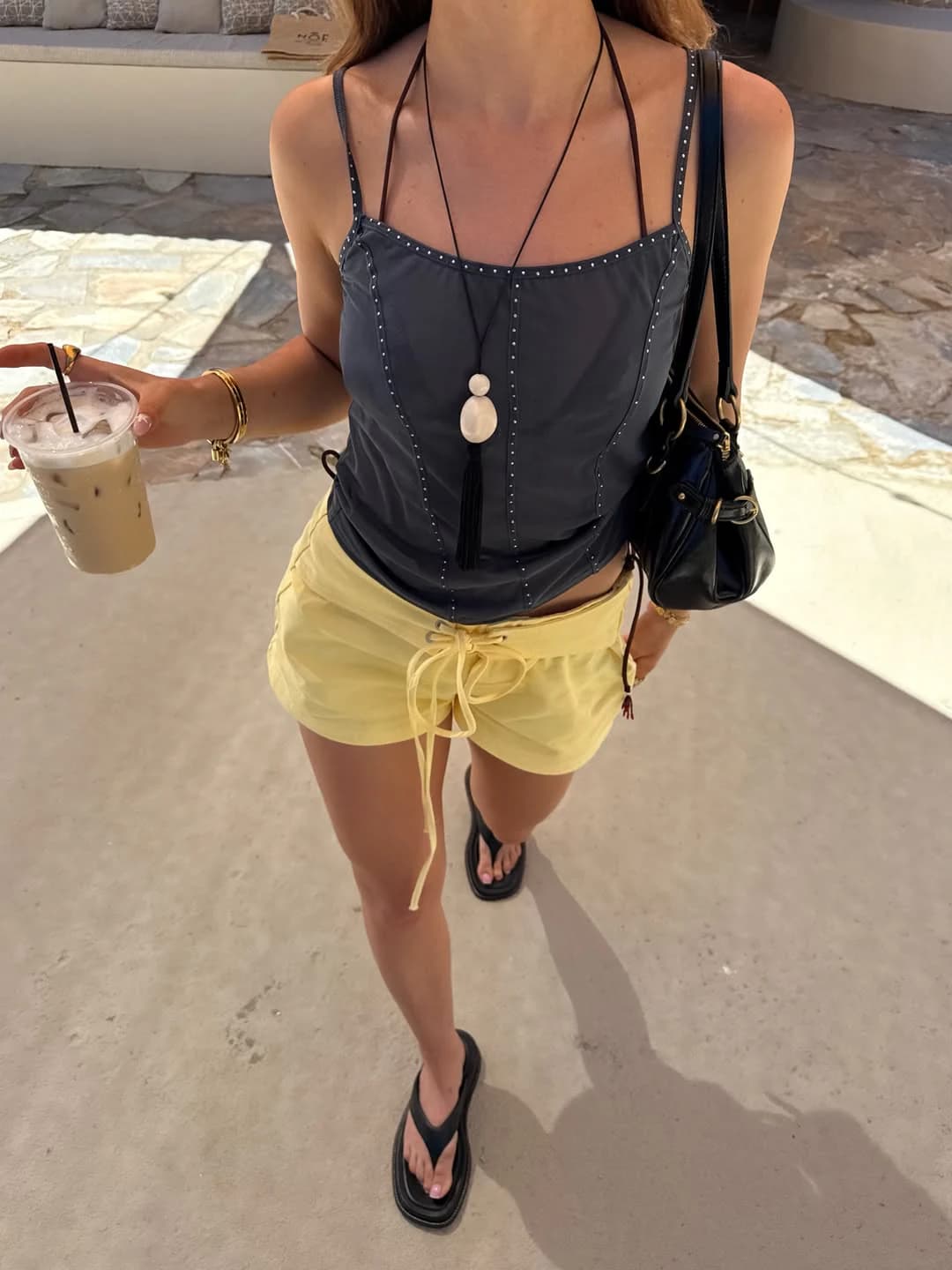
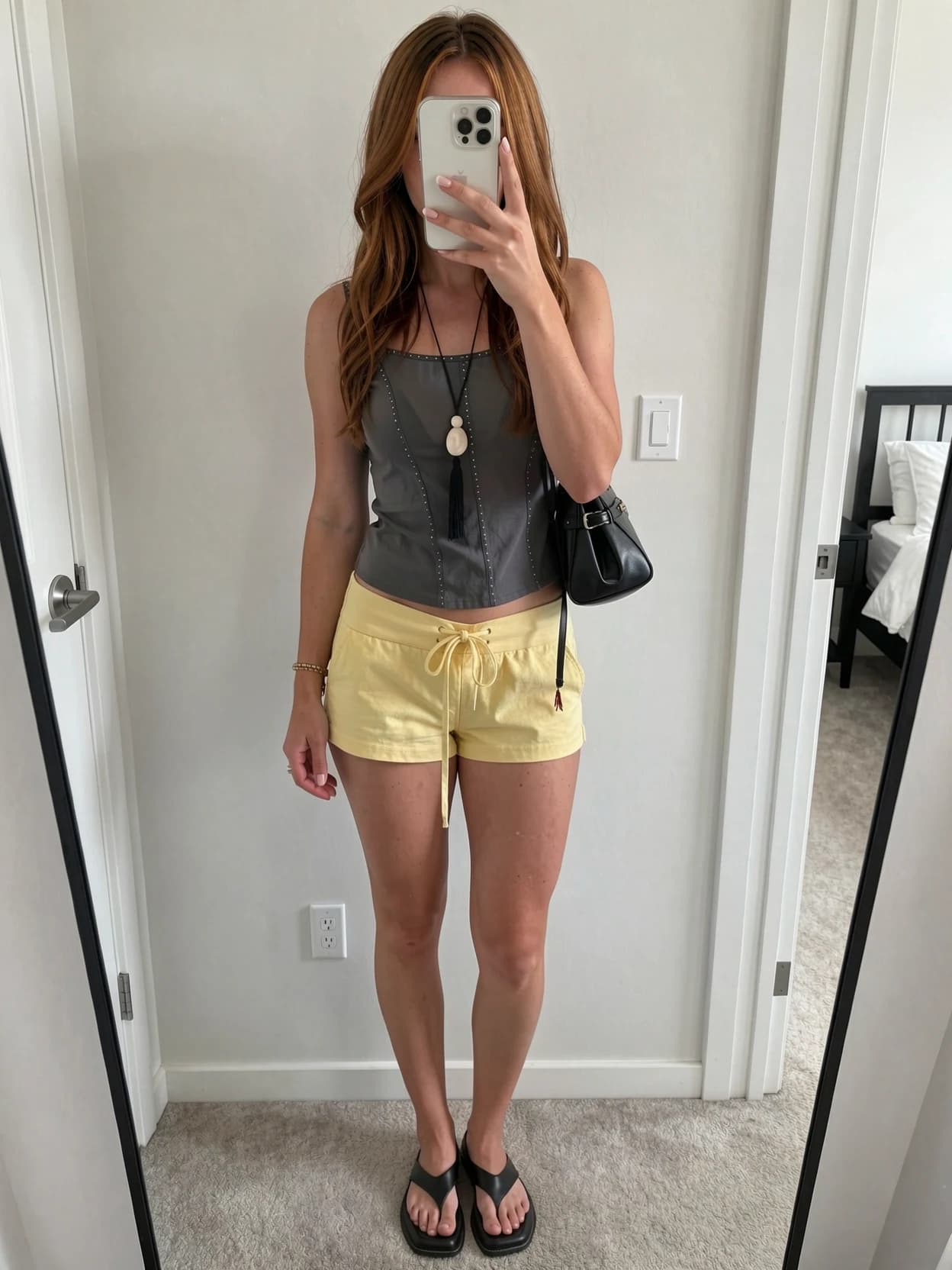
Preview a complete outfit from one reference image.
From saved outfit to personal preview
Start with a photo of yourself and the clothes you are considering. GoodMirror creates the try-on.
Choose a clear, full-body image with your shape and pose easy to see.
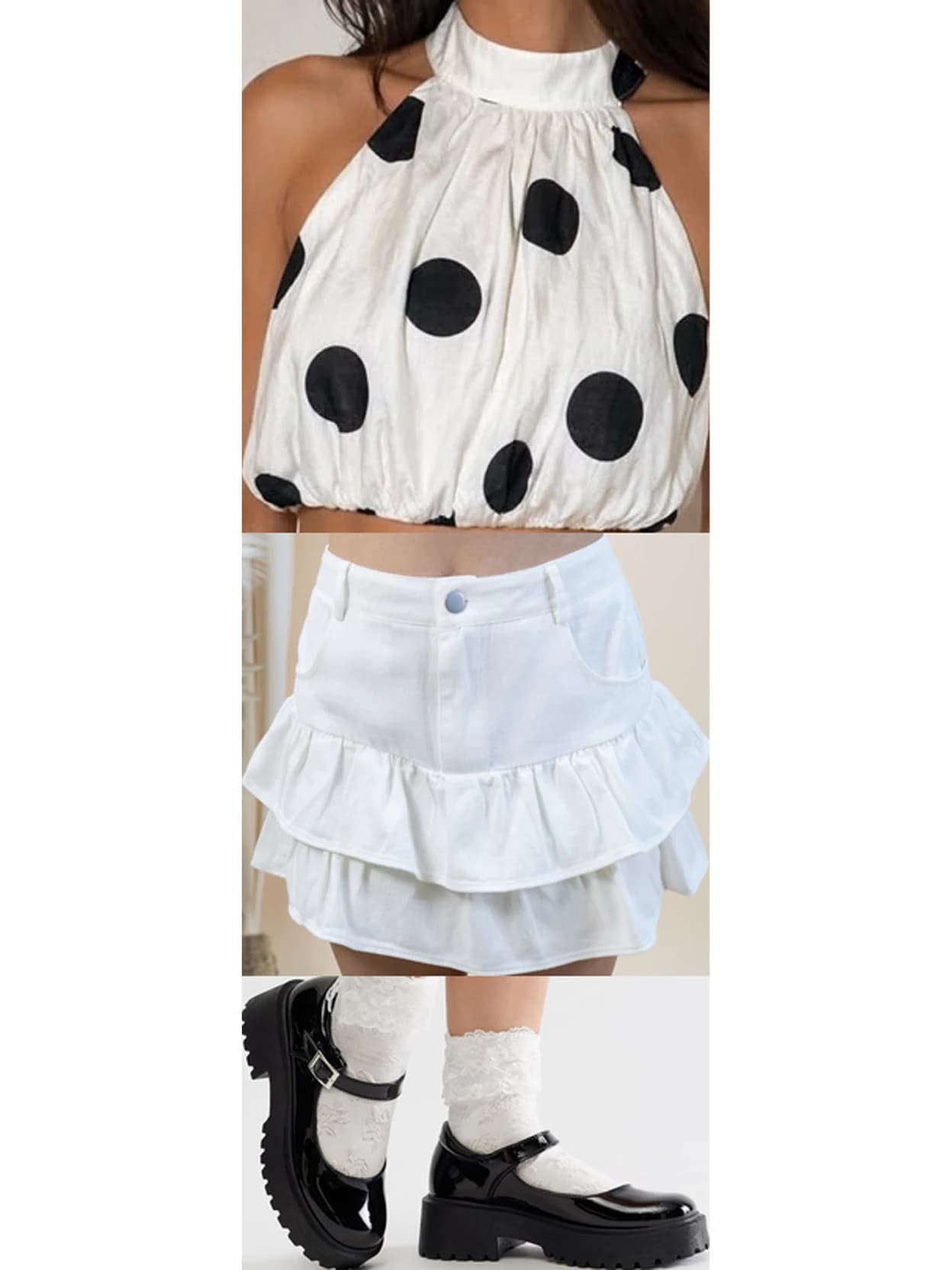
Upload a product photo, flat lay, or clean image of the pieces you want.
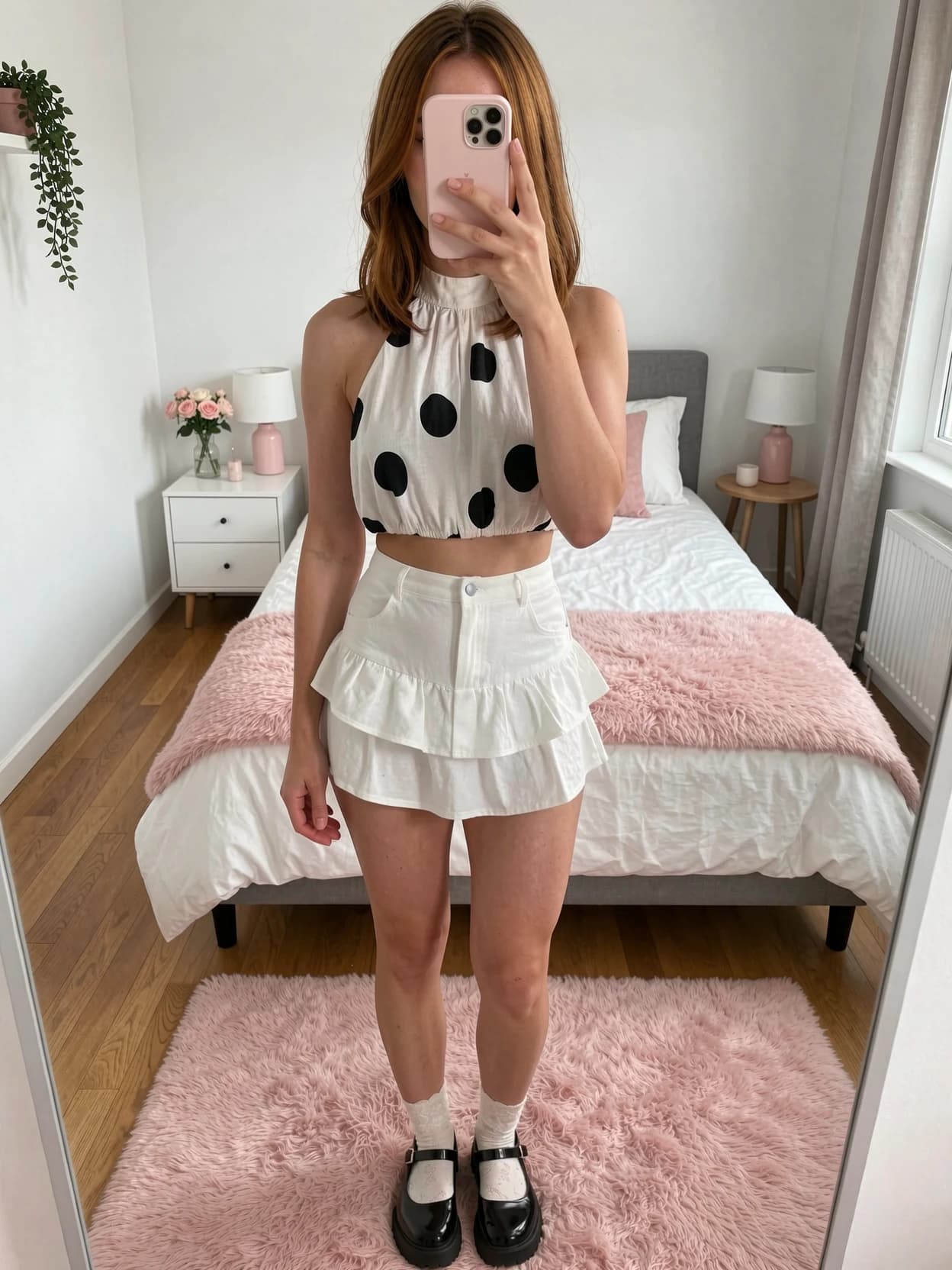
Get a visual preview that keeps you and the chosen outfit recognizable.
Built for a believable preview
GoodMirror is trained to preserve your recognizable identity and natural body proportions while carrying visible garment details into the result.
You
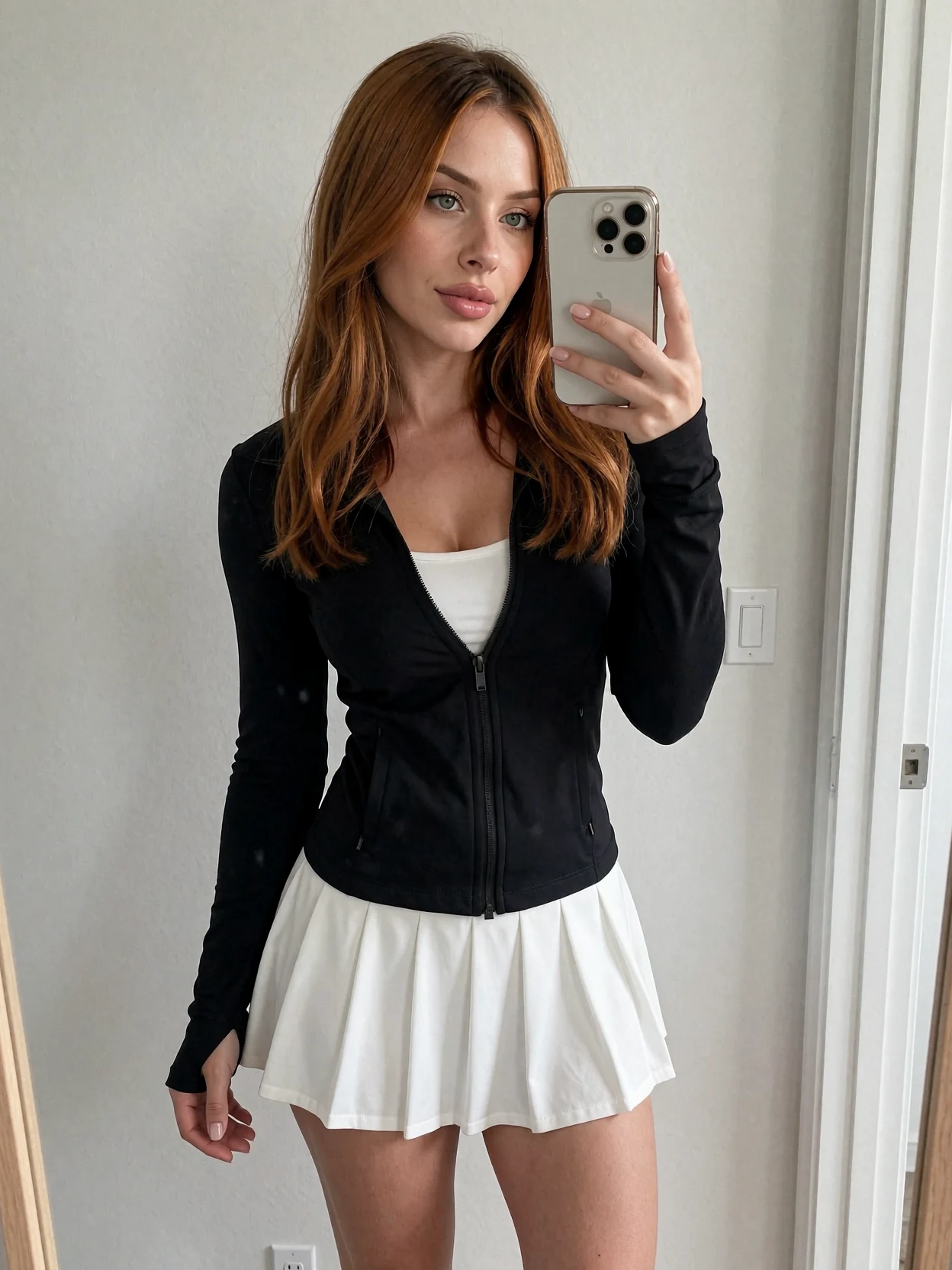
Full look
One Studio, five ways to try
Before your first try-on
It is a generated visual preview that places clothing from a reference image onto your photo. It helps you see the overall look before deciding whether to buy.
The full Studio supports complete outfits, tops, bottoms, a separate top and bottom, or a full look with shoes.
No. A generated image cannot confirm physical size, comfort, or measurements. Use it to judge the visual look, then check the retailer size guide.
Use a sharp, well-lit, full-body photo with a simple pose. Keep your whole body visible and avoid group photos or heavy filters.
Your private input images are used to create the result and are automatically deleted after 24 hours. Your saved results remain in your private account until you delete them.
Create a free account to receive 3 credits. Each completed try-on uses one credit, so you can create three first looks before choosing a paid option.
Your first three try-ons are free
Create your account, get 3 free credits, and continue in the full GoodMirror Studio.